OMSI MapWorks
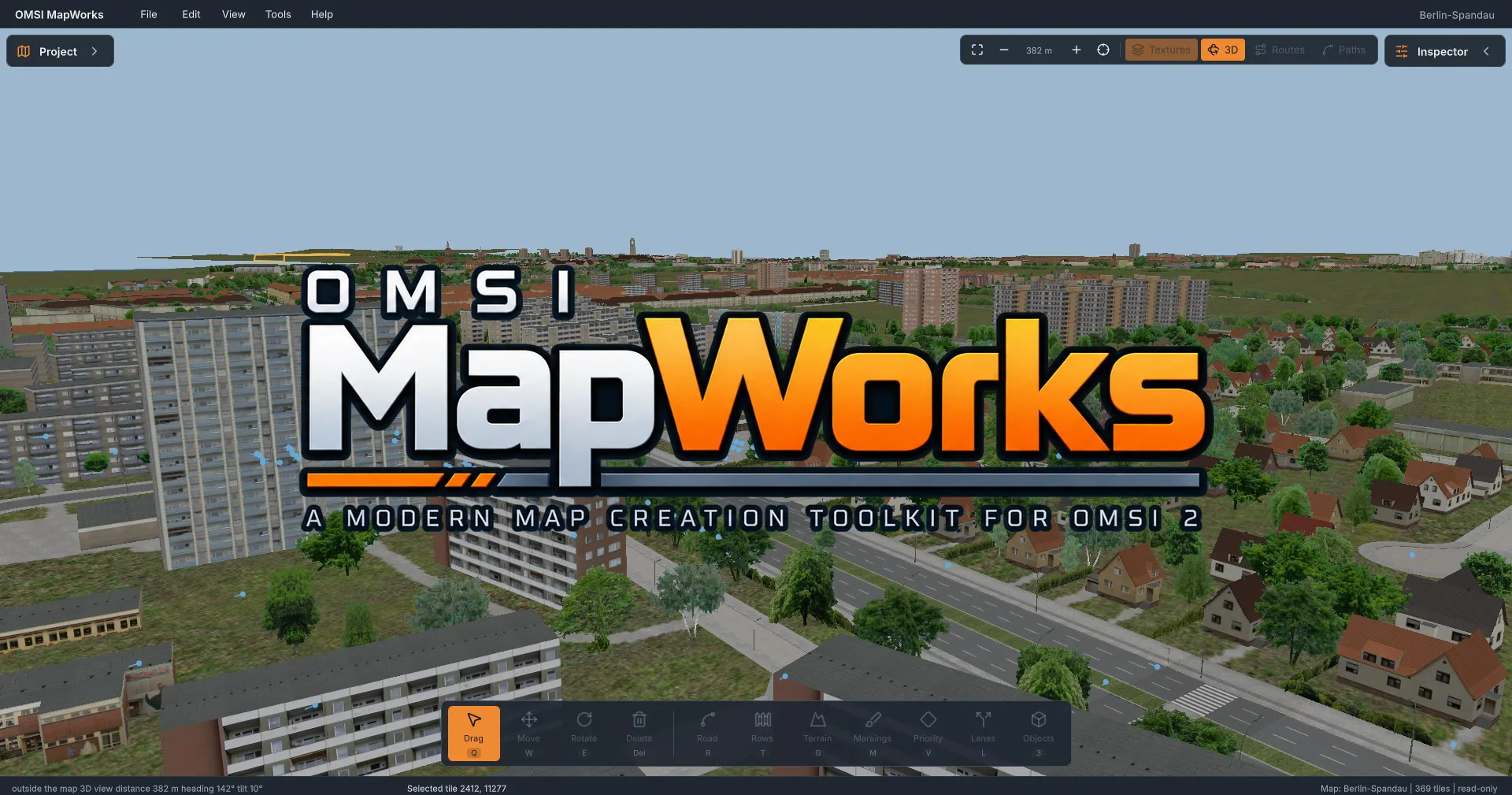
A modern 2D and 3D map editor for OMSI 2, featuring powerful tools for creating and editing maps.
Description
OMSI MapWorks – Rethinking Map Creation
OMSI MapWorks is a modern, powerful map editor for the bus simulator OMSI 2. It provides an intuitive workspace where you can explore and edit existing maps or create entirely new virtual environments from scratch.
From complex road networks and realistic intersections to diverse landscapes and detailed cities, OMSI MapWorks brings a wide range of tools together in one application, making map creation easier, more organized, and more flexible.
Key Features
Interactive 2D and 3D Editor
- View your maps from above or explore them in a freely navigable 3D environment.
- Edit scenery objects using intuitive tools for placing, moving, rotating, and deleting.
- Take advantage of multi-selection, undo, and redo functionality.
Advanced Road and Intersection Building
- Create straight and curved roads using an intuitive spline-based road construction system.
- Design custom road types with configurable traffic lanes, bus lanes, bicycle lanes, sidewalks, and medians.
- Generate intersections and customize lane connections, right-of-way rules, and traffic layouts.
- Design road markings such as dashed lines, stop lines, pedestrian crossings, and directional arrows.
- Manually adjust road elevations or automatically adapt roads to the surrounding terrain.
Comprehensive Terrain Editing
- Shape landscapes using tools for raising, lowering, smoothing, and flattening terrain.
- Create lakes, rivers, and other water features.
- Import and export 16-bit heightmaps.
- Use real-world elevation data as a foundation for your maps.
Real-World Map Data and Aerial Imagery
- Use aerial and satellite imagery as visual references directly inside the editor.
- Integrate OpenStreetMap to display roads, bus stops, and geographic information.
- Access various map sources, including Esri, Mapbox, and custom tile servers.
- Align custom map images and historical plans as references.
Map Analysis and Traffic Planning
- Check maps for missing objects, broken references, and other potential issues.
- Visualize AI traffic paths, driving directions, and right-of-way rules.
- Explore existing bus routes, bus stops, and timetable data.
- View and edit supported Chrono variants.
Safe, Project-Based Workflow
- Open existing OMSI 2 maps directly from your installation.
- Store your changes in independent project files.
- Export your work as a separate OMSI-compatible map.
- Your original map files remain untouched during editing.
Built for the OMSI Community
OMSI MapWorks aims to make map creation more accessible to beginners while providing experienced map creators with powerful and flexible tools.
The project is open source and actively developed. New features, improvements, and bug fixes continuously expand the editor's capabilities.
Please note: OMSI MapWorks is under active development. Some features are still limited or incomplete. For example, timetable data can currently be viewed but not edited.
System Requirements
- Windows 10 or Windows 11 (64-bit)
- An existing OMSI 2 installation to load maps and game assets
Requirements & required add-ons
Changelog
Version 1.1.5
Choose which object and spline folders MapWorks reads, so that large installations with many add-ons stay quick and the menus show only what you need.
Version 1.1.3
OMSI MapWorks 1.1.3 – A Major Step Towards Feature Parity! With Update 1.1.3, we've taken a major step towards achieving full feature parity with the original OMSI 2 Editor! This update introduces several long-awaited editing capabilities, improves existing workflows, and makes MapWorks more powerful and easier to use. ✨ WHAT'S NEW? 🖥️ Improved Inspector & Project Browser • Cleaner, more compact interface with organized tabs and collapsible settings. • Easier access to map settings, entry points, Chrono events, lines and paths. • Less clutter, more room to work! 📋 Object Editing & Placement • Copy, paste and duplicate objects with Ctrl+C, Ctrl+V and Ctrl+D. • Random object rotation for more natural-looking scenery. • Create, rename and delete map entry points. • Improved visualization of editor-only objects. 🛣️ Roads & Splines • Rows can now follow road gradients and banking. • Edit spline cant, skew, mirroring and texture offsets. • New "No overtaking" traffic rule for AI vehicles. 🌍 Terrain & Map Settings • Export individual tiles as DirectX .x terrain meshes. • Edit existing map settings directly in MapWorks. • Adjust the start and end dates of Chrono variants. 🎯 GETTING CLOSER TO FULL FEATURE PARITY Our goal is to make MapWorks a modern, user-friendly alternative to the original OMSI 2 Editor without sacrificing its essential functionality. Version 1.1.3 brings us significantly closer to that goal. There's still work ahead, but the gap is getting smaller with every update!
Version 1.1